This guide will walk you through how to add and remove data source accounts and data source connections in Supermetrics for Excel.
Instructions
Add data source accounts
Open the Supermetrics sidebar.
Select your data source from the Data source dropdown.
Navigate to the Select accounts dropdown. Different data sources might name this dropdown differently — for example, if you're using Facebook Ads, you'll see Select ad accounts, and for Google Analytics 4, you'll see Select properties.
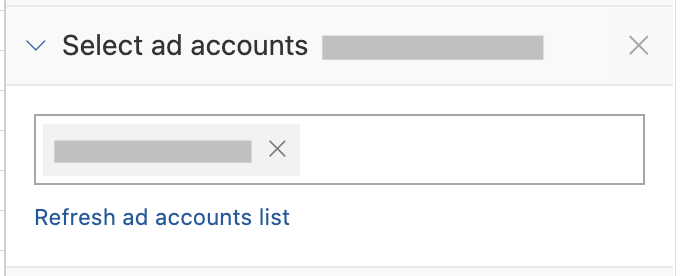
Click the field and select your accounts from the list, or start typing an account's name to filter for it.
Remove data source accounts
Open the Supermetrics sidebar.
Click any query on the sheet that uses the data source you want to remove accounts from.
Click x to close the Query info popup.
Navigate to the Select accounts dropdown. Different data sources might name this differently — for example, if you're using Facebook Ads, you'll see Select ad accounts, and for Google Analytics 4, you'll see Select properties.
Click x next to the account name to remove it.
Add data source connections
Open the Supermetrics sidebar.
Select your data source from the Data source dropdown.
Click +Add connection.
Remove data source connections
Open the Supermetrics sidebar.
Select your data source from the Data source dropdown.
Click x next to the connection name to remove it.
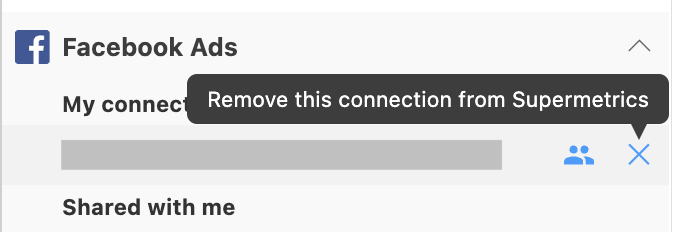
You can also manage your data source connections on the Supermetrics Hub, including removing and reconnecting data source connections.