Data explorer lets you quickly analyze your marketing data directly on the Supermetrics Hub. No need to export to spreadsheets or build dashboards. It’s designed for fast checks, comparisons, and answering ad-hoc questions.
Use Data explorer when you need to:
Check trends in key metrics week-over-week
Validate the impact of a campaign, post, or site change
Break down audiences (such as new vs. returning users) to understand behavior
Monitor progress against weekly or monthly goals
Spot anomalies, such as unexpected spikes or dips, before they escalate
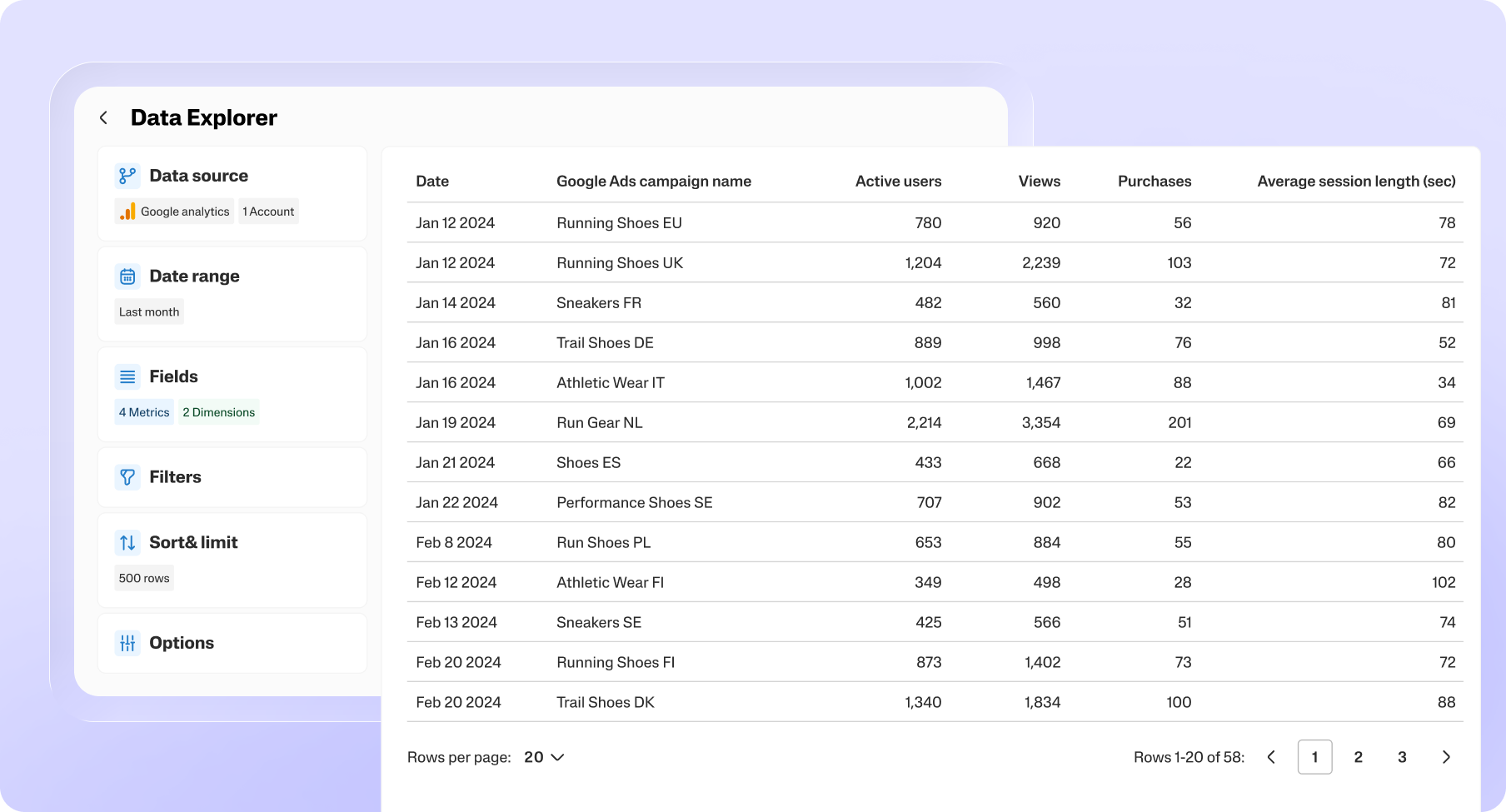
To use the Data explorer, you need either a Marketing Intelligence Platform subscription or a modern subscription purchased from our website. If you have a legacy subscription, such as a single product license, you’ll need to upgrade to a modern subscription to access the Data explorer feature on the Hub.
Learn how to start using Data explorer!