In late 2021, Google Ads introduced Performance Max (PMax) campaigns for all users. Supermetrics moved to a version of the Google Ads API that supports this data in early 2022.
Note that, according to Google, Performance Max data is only available in Campaign reports — for example, queries at the ad group or ad level won't return results.
If you're missing Performance Max campaign data from your Supermetrics reports, include the "Advertising channel type" dimension in the query to see which campaigns are Performance Max campaigns.
Data blend workaround
You can work around this by creating a data blend with two instances of Google Ads, one using Ad group and one using Asset group, and get both data in one query. In the Google Ads instance with Asset group, there should be no Ad group or Ad level dimension, or this will remove the Performance Max data.
When used in a query, this blend will return metrics split by Ad group name that excludes non-Performance Max data and metrics split by Asset group name that includes only Performance Max data.
Data blending and Custom fields are available only in the Enterprise package. To get the most out of your data with these data transformations, contact us to upgrade your Supermetrics subscription to the Enterprise package.
Instructions
On the Supermetrics Hub, go to Data blending under Manage.
Click Create new blend.
Select the union or join type of blend and click Next step.
Add two instances of Google Ads to the blend with the same accounts selected.
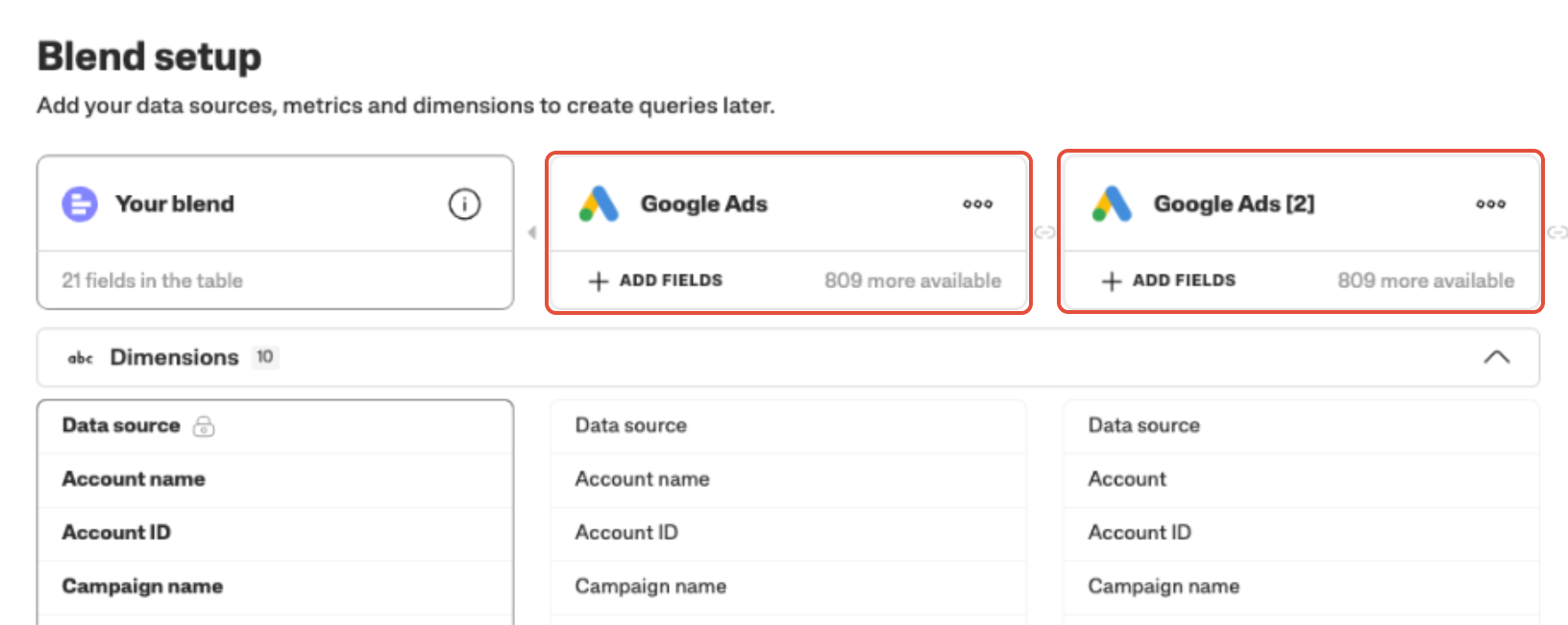
Add Ad group name to one instance and map it to Asset Group Name in the other instance.
Add Advertising channel type and map it to Advertising channel type in the other instance.

Finalize and save your blend. If you're not familiar with data blending, take a look at our guide for creating data blends.
Note
To ensure metrics are not duplicated, you must include the Ad Group Name or Asset Group Name in every query.